How to Remove a Scheduled Meal on Your PetSafe® Healthy Pet Simply Feed™
Remove a Scheduled Meal
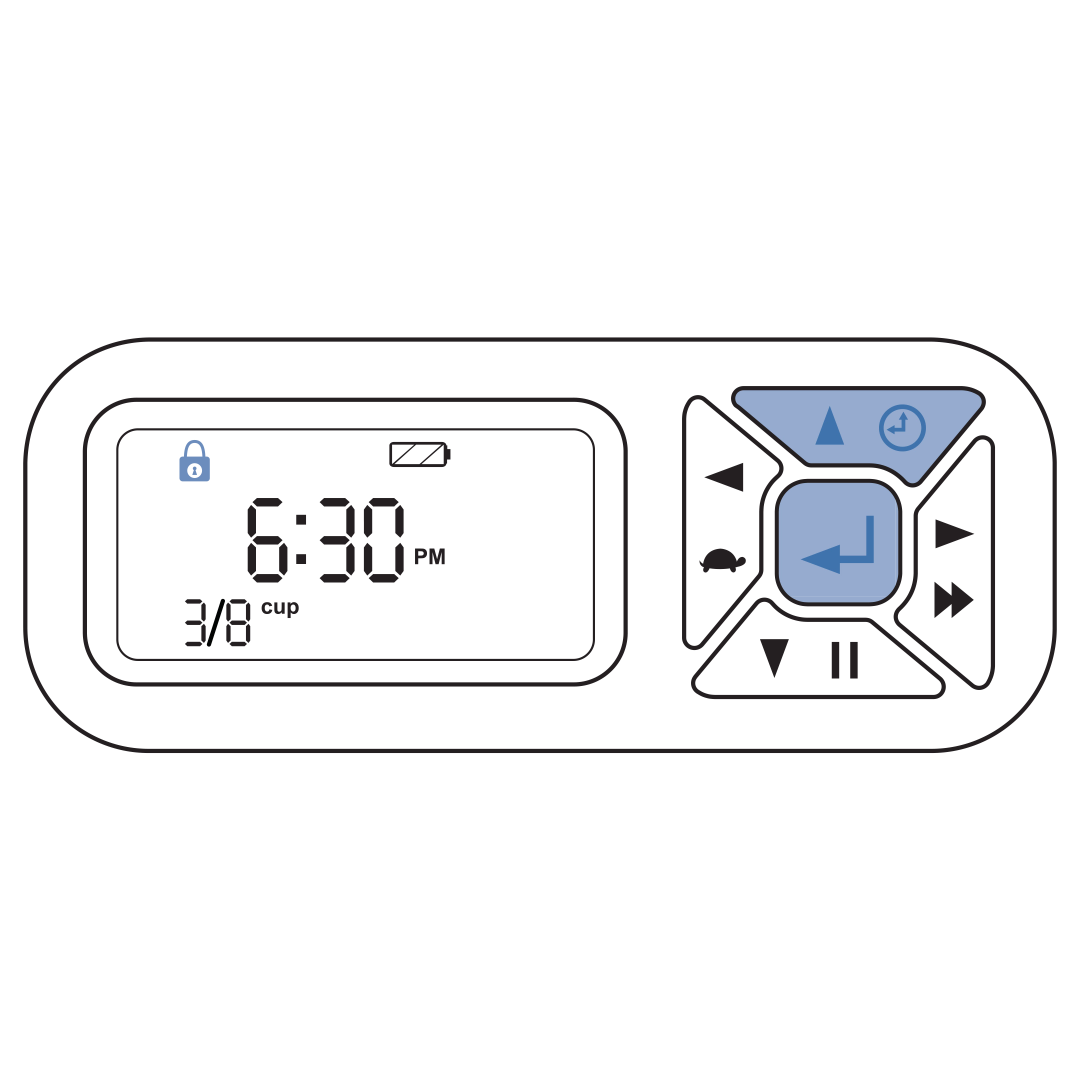
Unlock the buttons by pressing the enter and up buttons at the same time. The lock icon will disappear from the LCD screen.
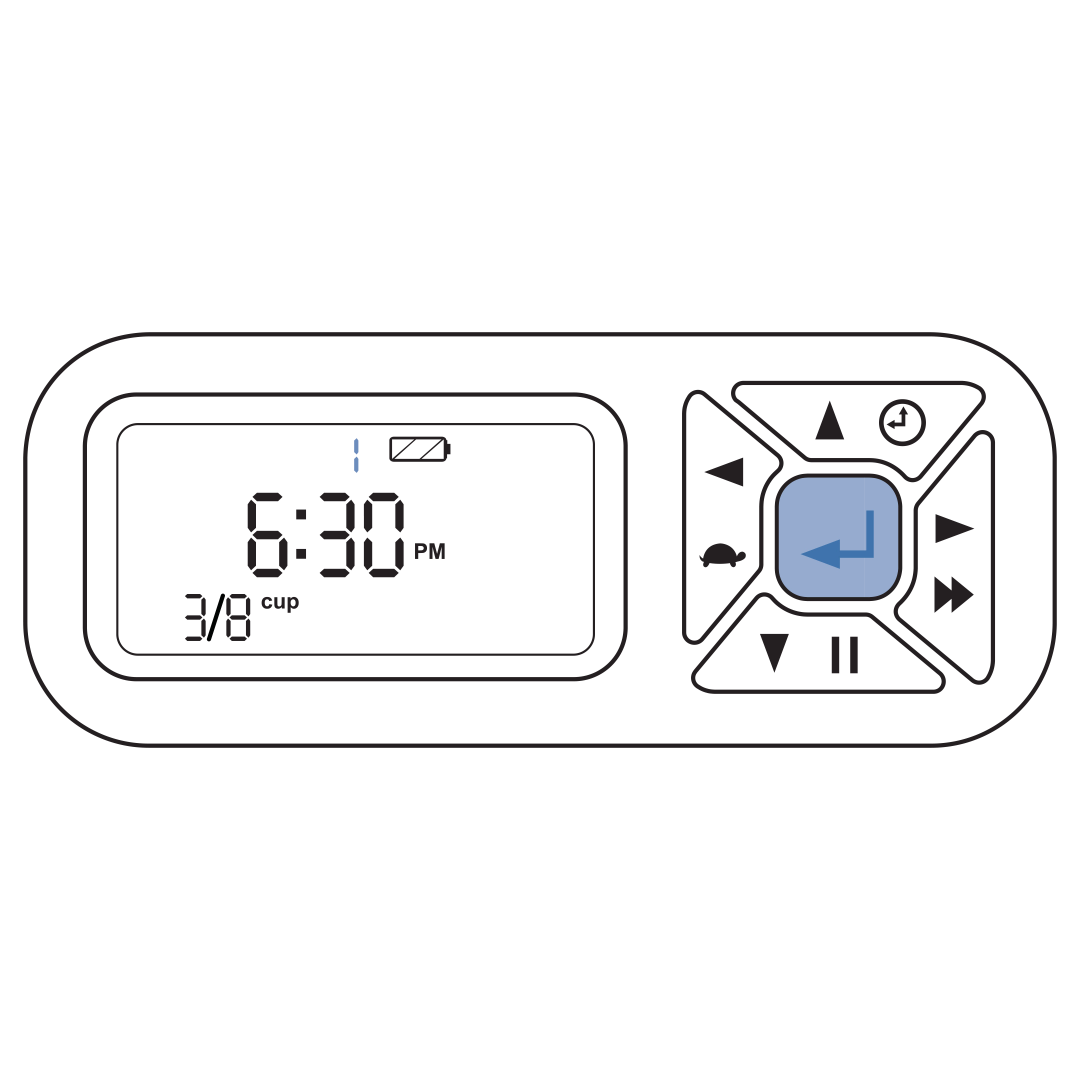
Hold the center button for about five seconds or until the meal number begins to blink.
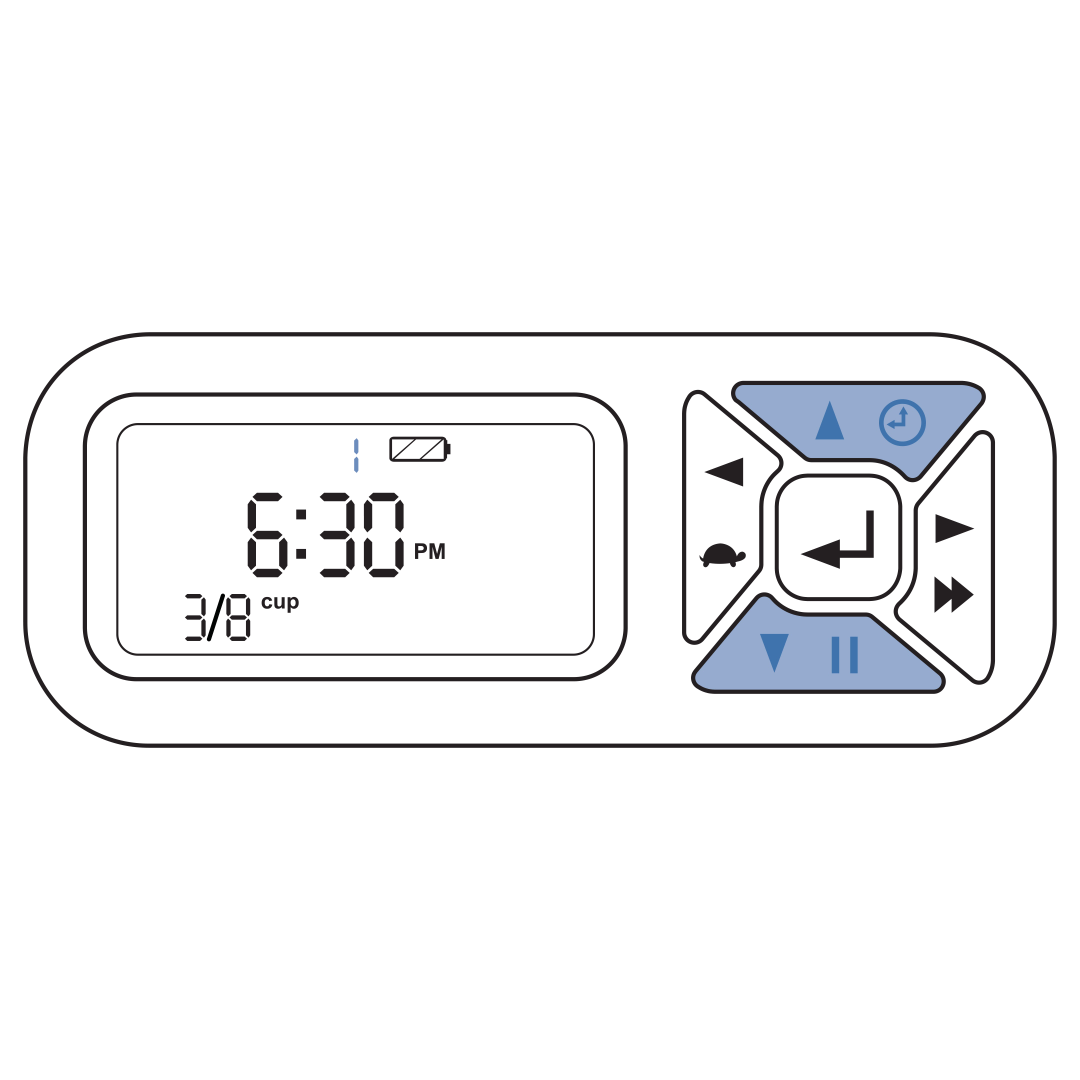
Select the meal slot you want to remove by using the up and down buttons.
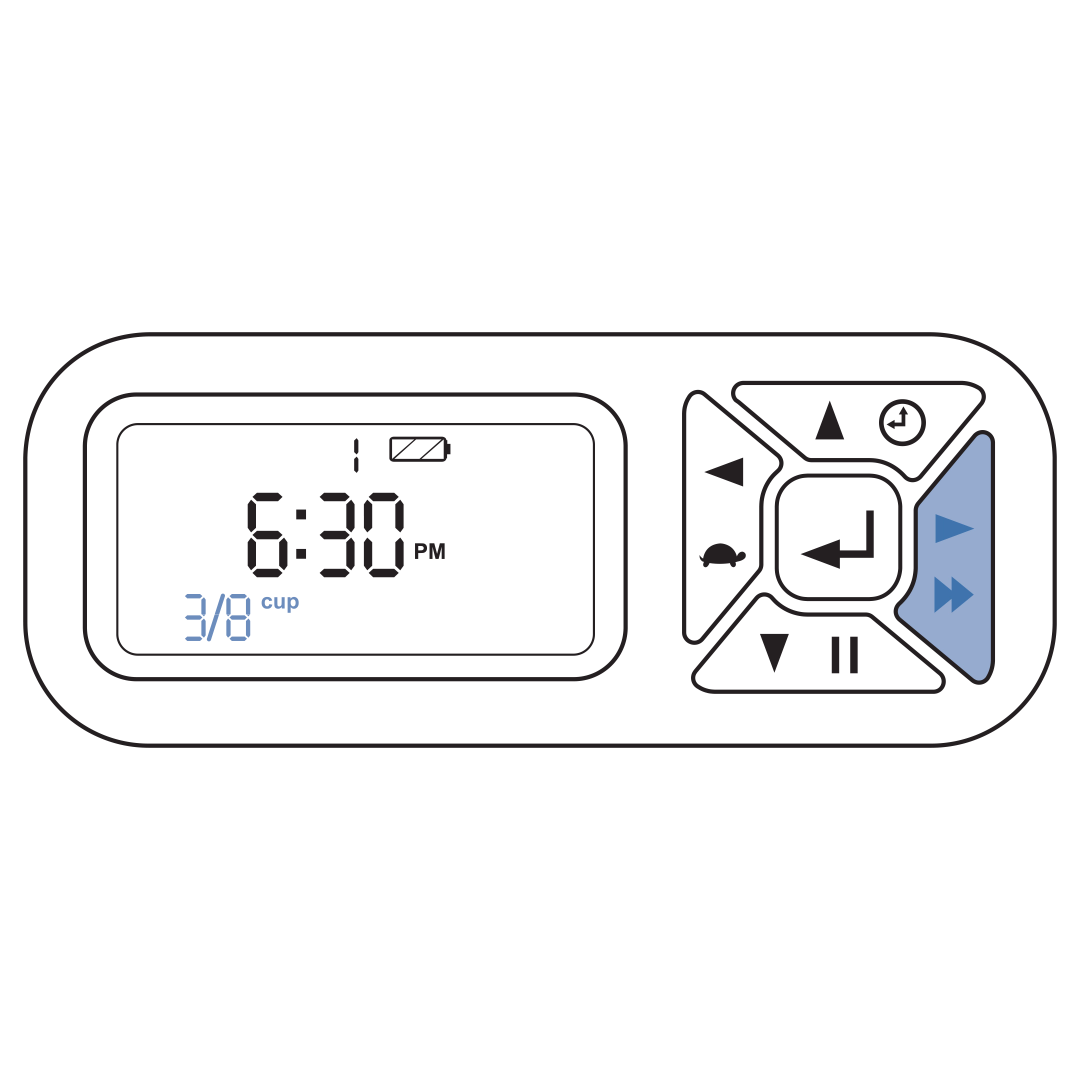
Press the right button until the meal size slot is blinking.
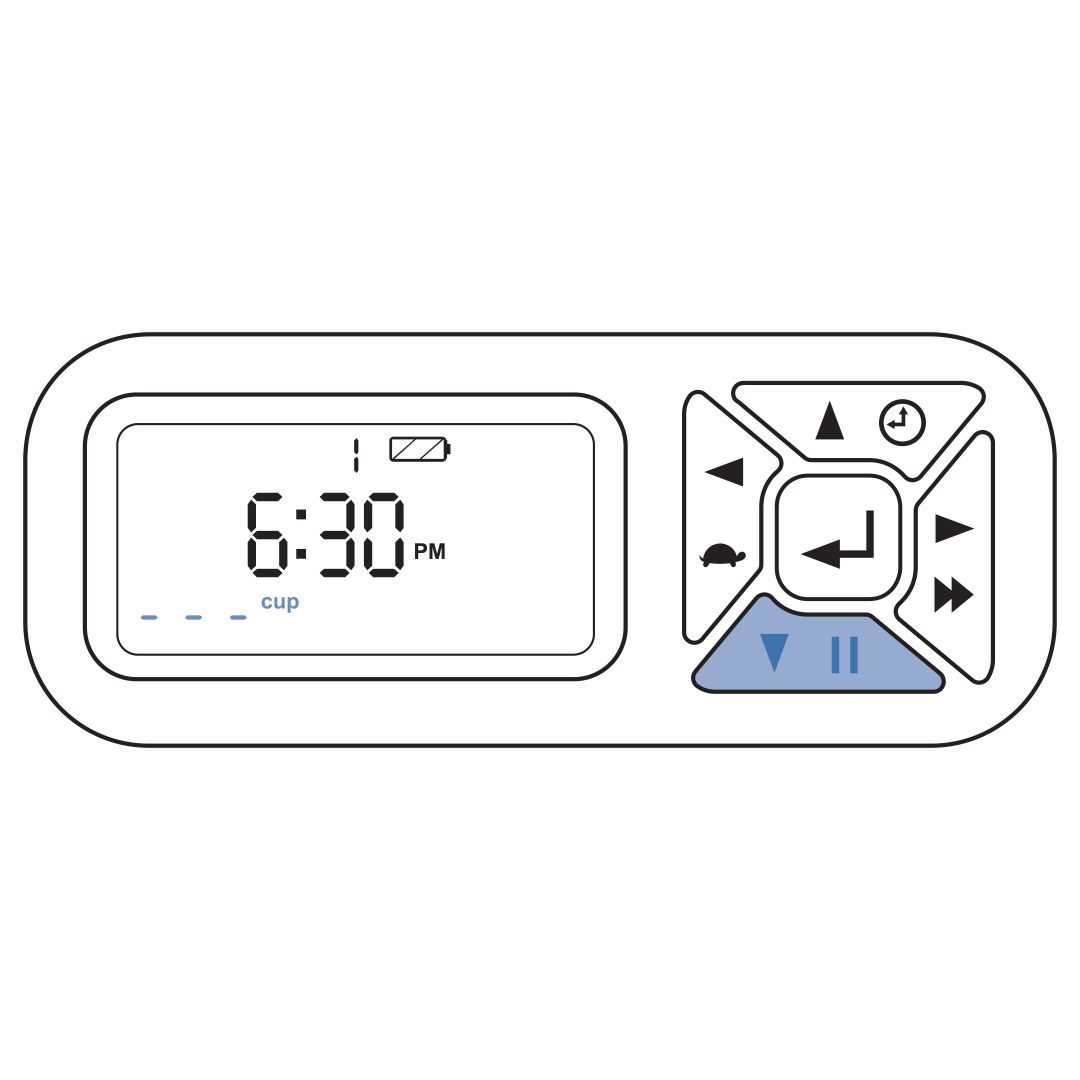
Press the down button until the meal size reads “----".
Exit set-up mode. To do that return to the meal number field, by pressing the right button until the meal number flashes. Then press and hold the enter button for 5 seconds to confirm the feeding schedule. This returns the feeder to Operating Mode and the screen will display the next scheduled meal.
Contact Customer Care
If you need further assistance, please contact our customer care team.