How to Schedule a Meal on Your PetSafe® Healthy Pet Simply Feed™
During the initial setup, you will choose one of the 3 feeding options below:
- Dog: Preset to deliver 2 cup meals at 8 a.m. and 5 p.m.
- Cat: Preset to deliver ¼-cup meals at 8 a.m. and 5 p.m.
- Usr: Use to customize the number of meals, mealtimes and meal sizes.
- Can have up to 12 meals each day.
- Mealtimes can be set to 15-minute increments.
- Meal size can be set in 1/8 cup increments with a minimum of 1/8 cup to a maximum of 4 cups.
Dog
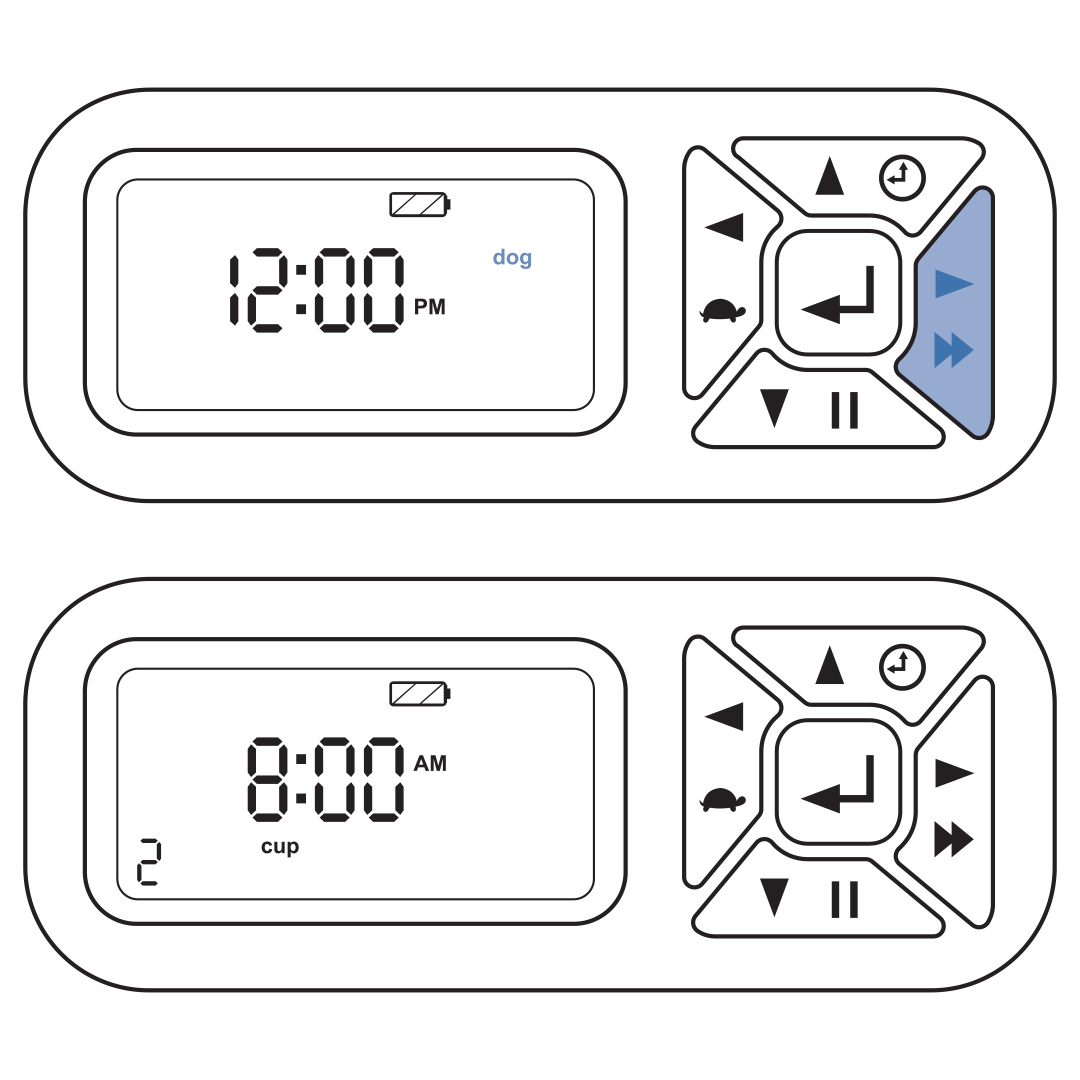
Press the right button to select the operating mode. The screen will display the time and size of the next scheduled meal.
Cat
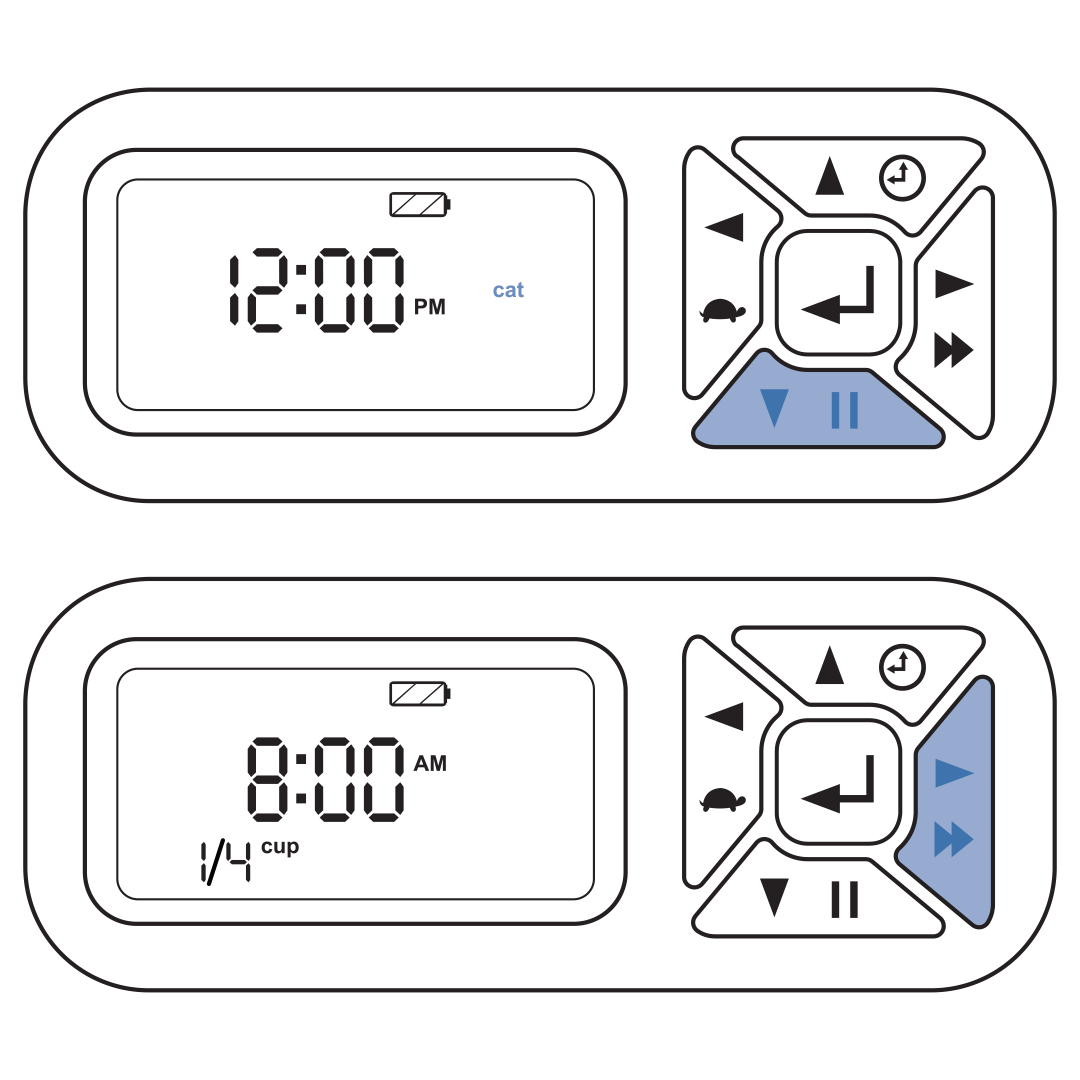
Press the down button to highlight “cat.”
Press the right button to select the operating mode. The screen will display the time and size of the next scheduled meal.
Usr
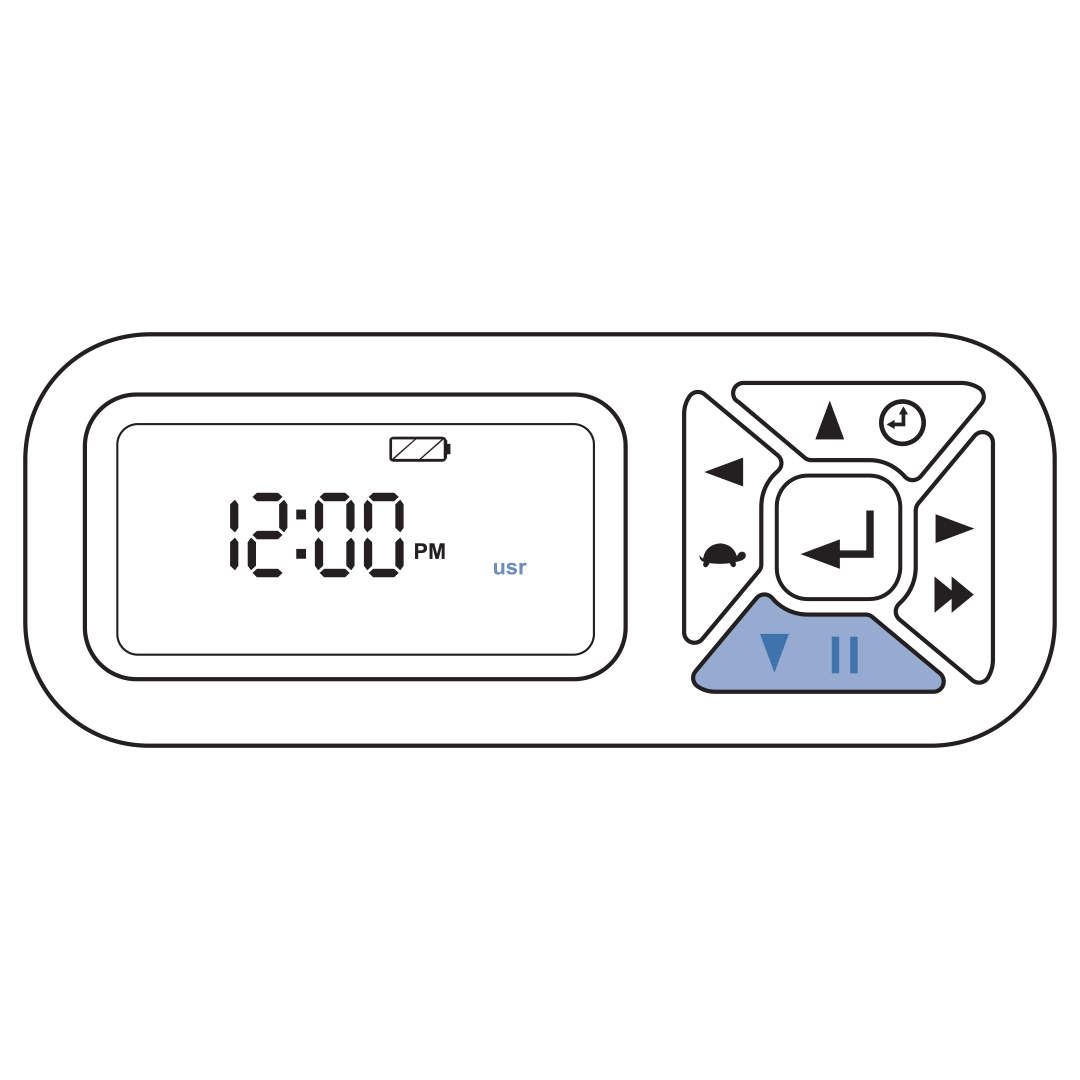
Press the down button two times to highlight “usr.”
Press the right button to select the customizable meal menu.
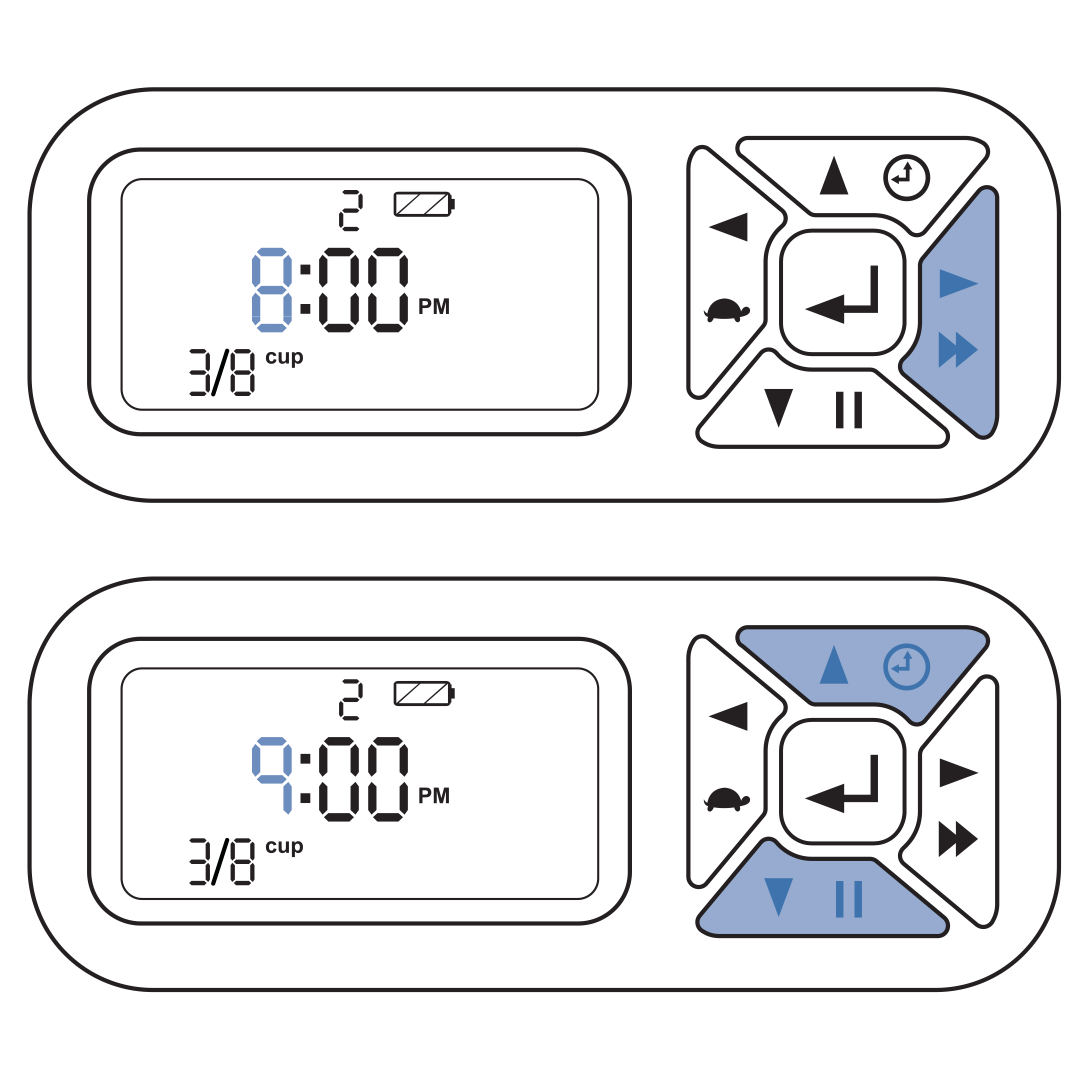
Press the right button again to move to the hour field and use the up or down buttons to set the hour for meal 1.
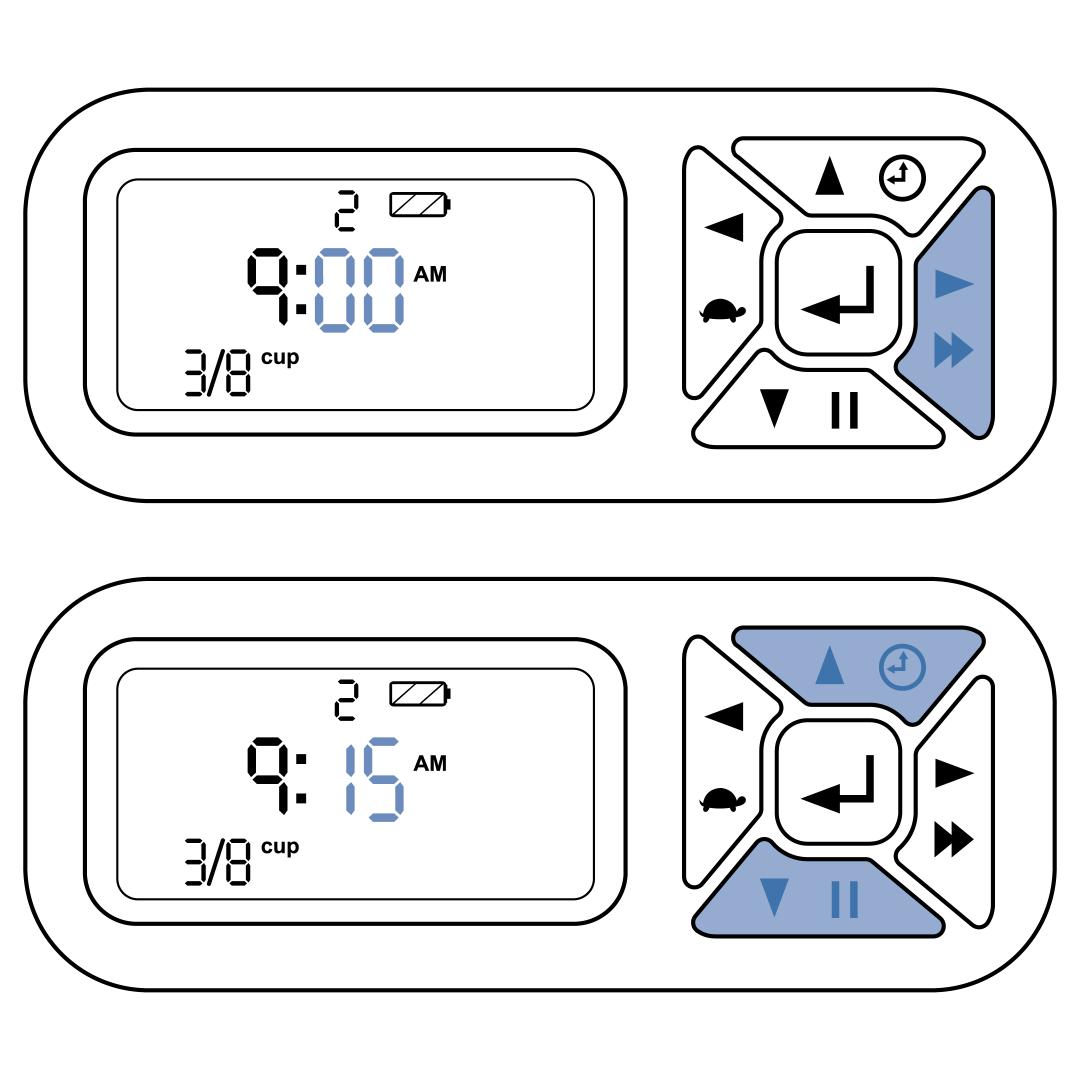
Press the right button to move to the minute field and use the up or down buttons to set the minutes for meal 1. Each meal can be set for 15-minute increments.
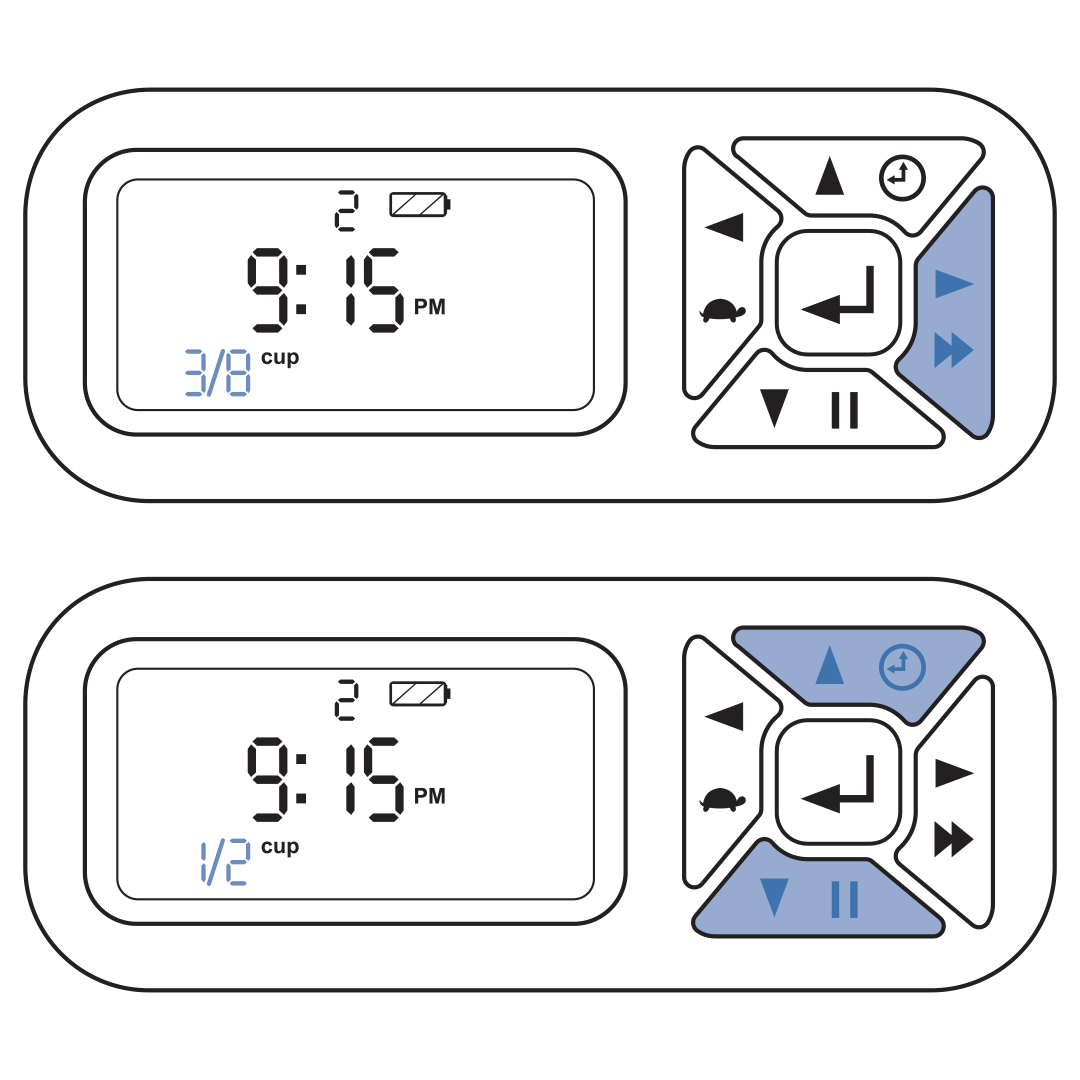
Press the right button to move to the meal size field and use the up or down buttons to set the desired amount. Meal size can be adjusted in 1/8 cup increments.
Press the right button to move back to the meal number and use the up button to program the next meal.
Repeat steps 3-6.
Up to 12 meals can be programmed a day. Repeat the steps until the desired number of meals has been reached.
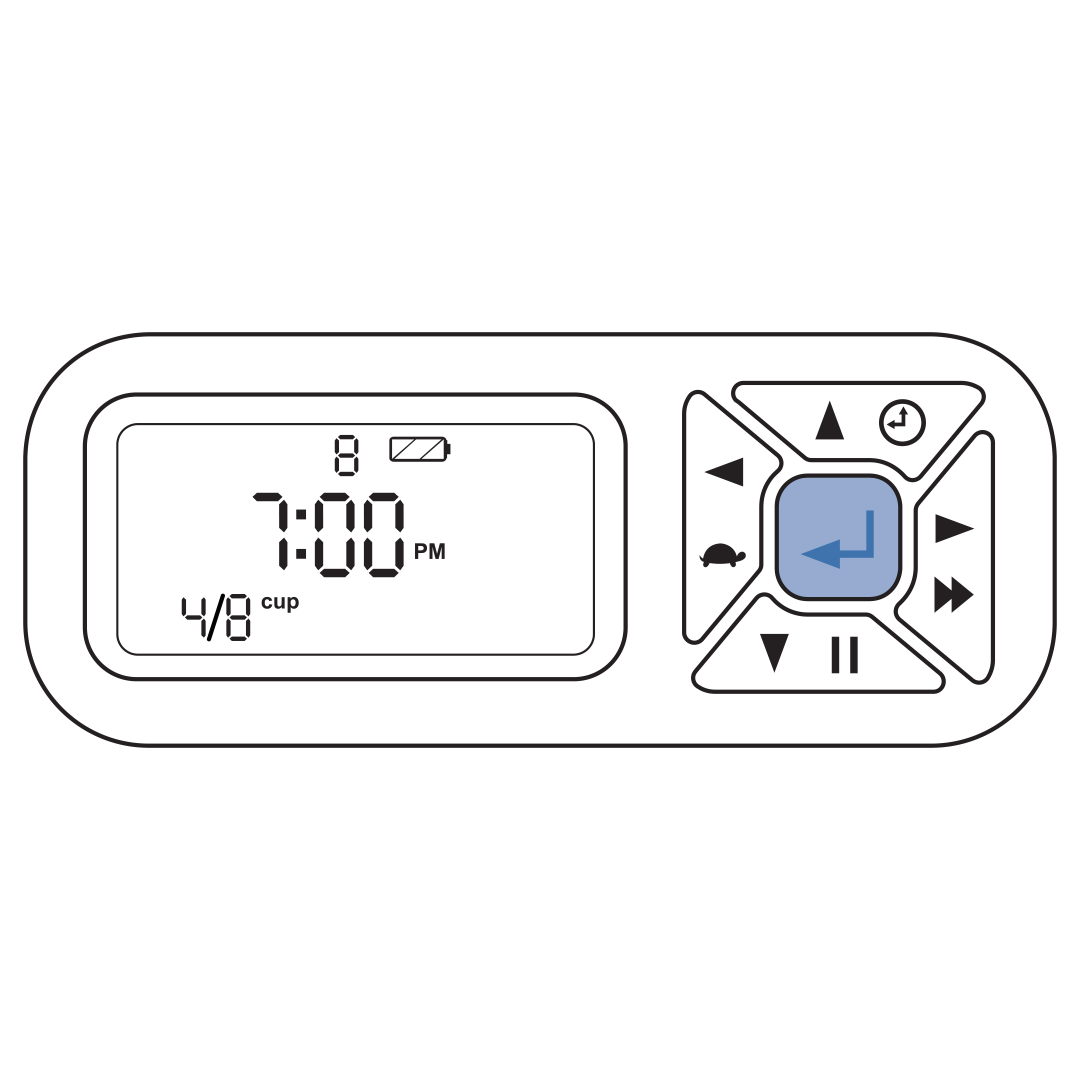
Once you have finished programming each meal, press and hold the center button for five seconds to exit programming mode and confirm the feeding schedule.
Contact Customer Care
If you need further assistance, please contact our customer care team.