How To Train My Dog to the PetSafe® Elite Little Dog In-Ground Fence™ Phase 1: Boundary Awareness
Important Information
- Training your dog to a PetSafe® Elite Little Dog In-Ground Fence™ is essential for successful integration into your and your dog’s lives.
- At a minimum, you will need to commit to three 10-15 minute sessions on different days for each phase. You will also need to have toys and treats available for praise at each session.
- If your dog shows signs of stress, increase the amount of playtime in the pet area. Signs of stress can include ears tucked, tail down, cowering, pulling on the leash, or stiffening.
- Some dogs can be sensitive, so it is important to keep a positive and upbeat attitude. If you become frustrated, so will your dog.
- Discontinue the training session if your dog is no longer a willing participant.
Avoid leaving the collar on your dog for more than 12 hours per day to prevent skin irritation. If redness or irritation is observed, discontinue use of the product until the skin no longer appears to be irritated.
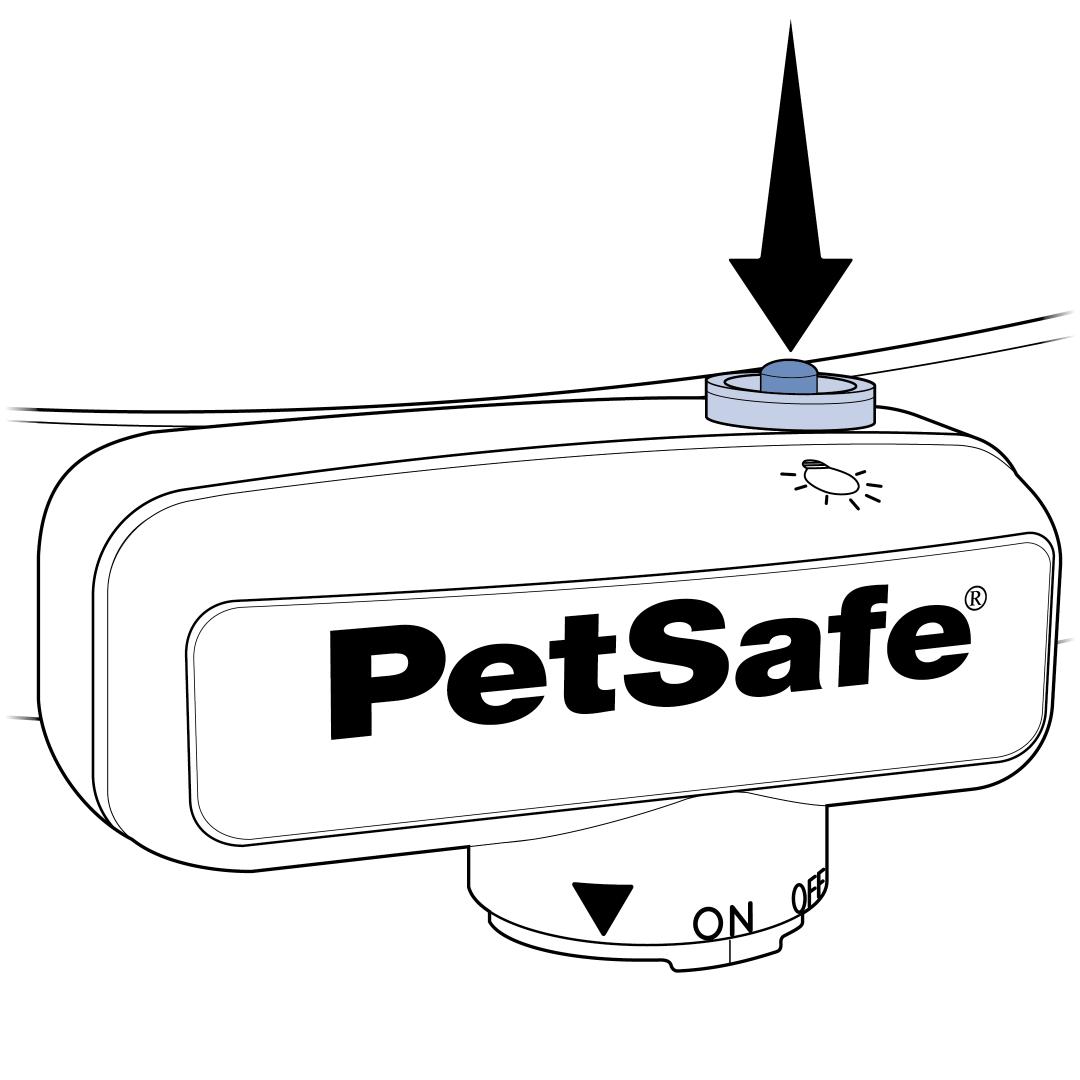
Set the collar to level 1. Level 1 is the training mode and tone only. For assistance with changing the correction level, visit How To Change the Correction Level on My PetSafe® Elite Little Dog In-Ground Fence™ Collar.
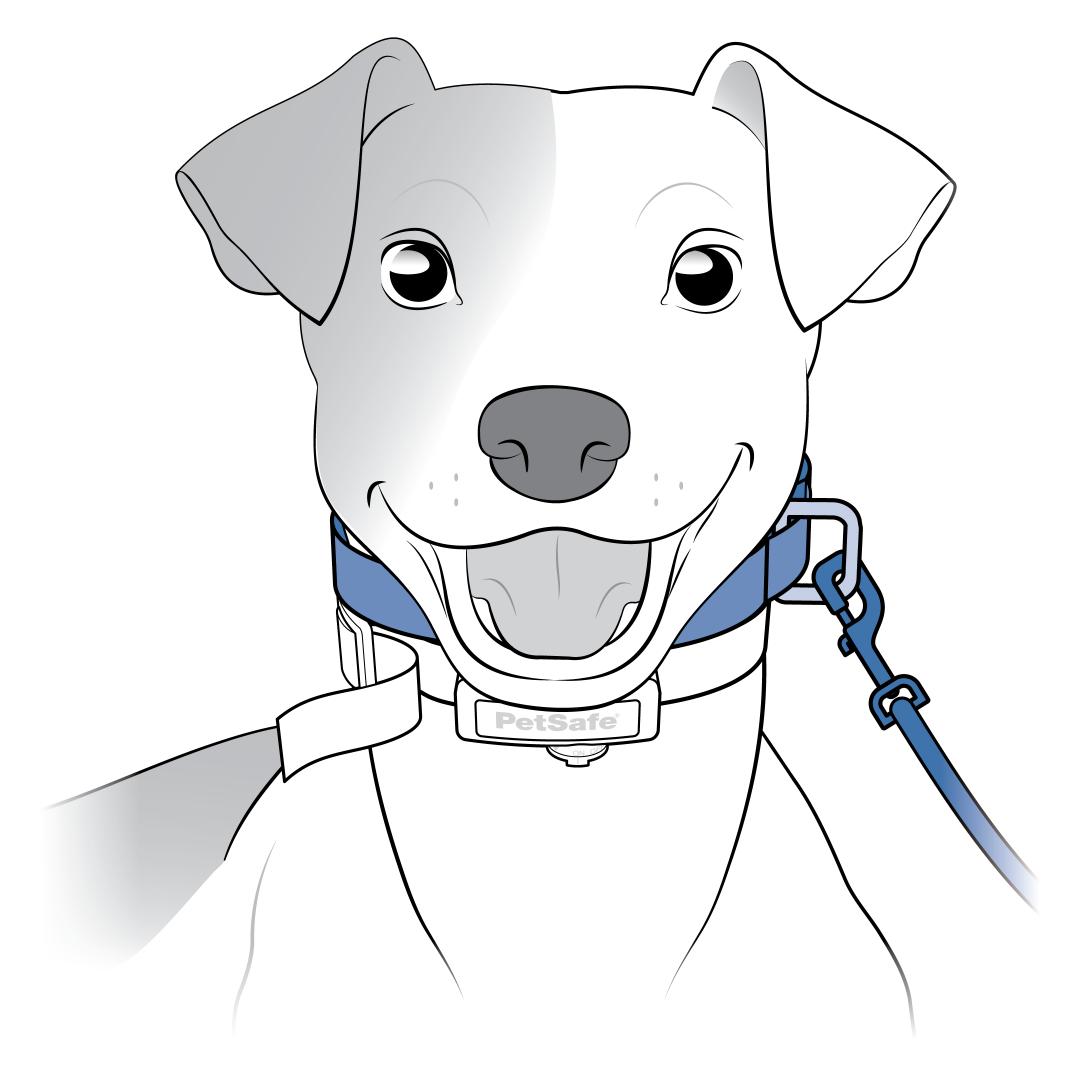
Attach a leash to a second, non-metallic collar placed above the training collar on your dog.
Walk and praise your dog in the middle of the yard.
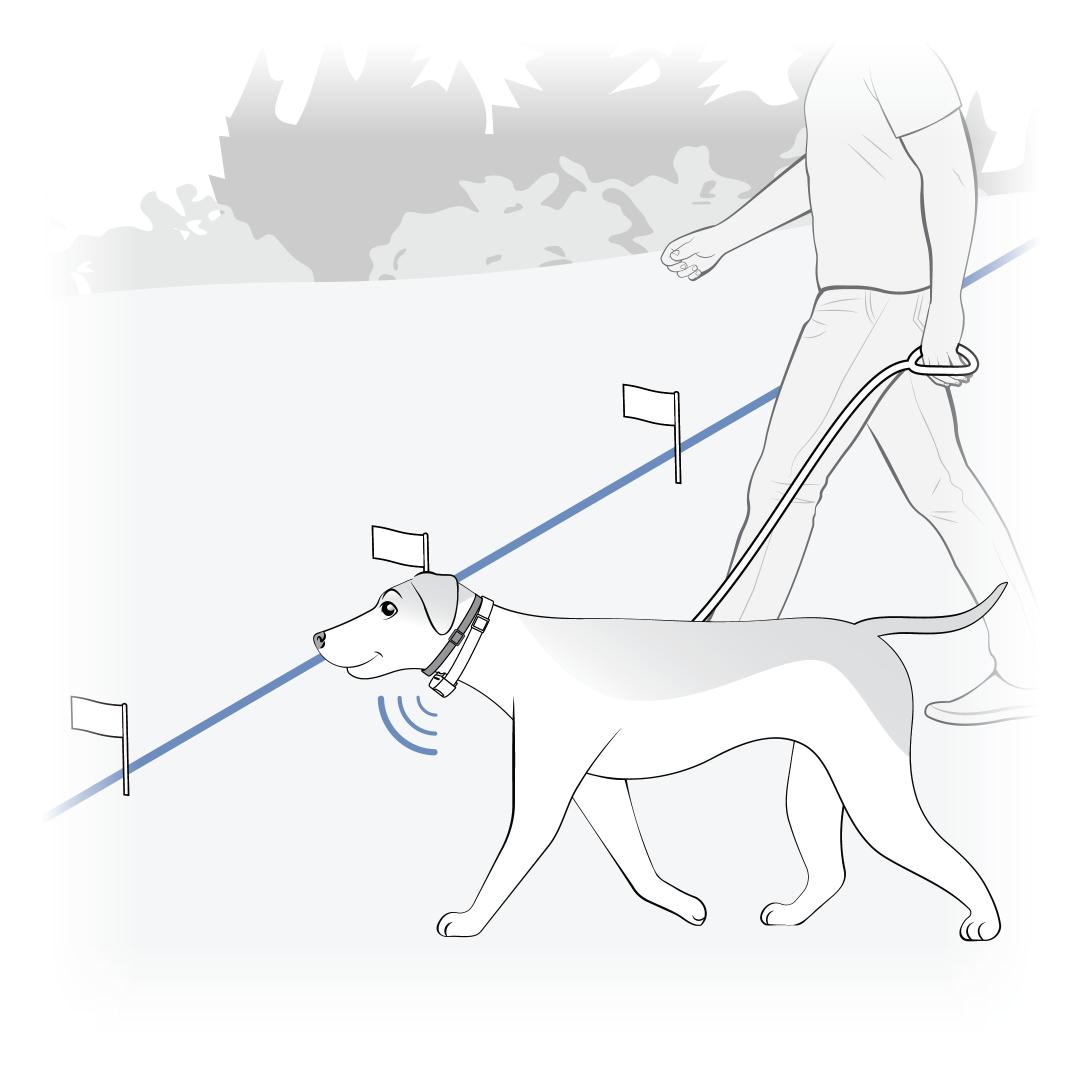
Walk your dog toward the boundary flags until the collar begins to beep. Allow the collar to beep for two seconds.
Guide and praise your dog back to the middle of the yard.
Continue these steps until your dog resists going into the boundary. Try to have your dog resist 3-4 flags by the end of each session.
Spend at least five minutes of playtime within 10 feet of the boundary flags at the end of each training session.
Upon consistency of resisting 3-4 flags, proceed to How To Train My Dog to the PetSafe® Elite Little Dog In-Ground Fence™ Phase 2: Introduction to Static Correction.
Remove the training collar from your dog after each session.