My PetSafe® FreshFeed Refrigerated Pet Feeder Is Feeding Extra Meals
Important Information
The Feed button in the app does not replace or skip a scheduled meal. If you have a schedule set and you feed your pet using the Feed button in the app, the feeder will still feed at the scheduled time.
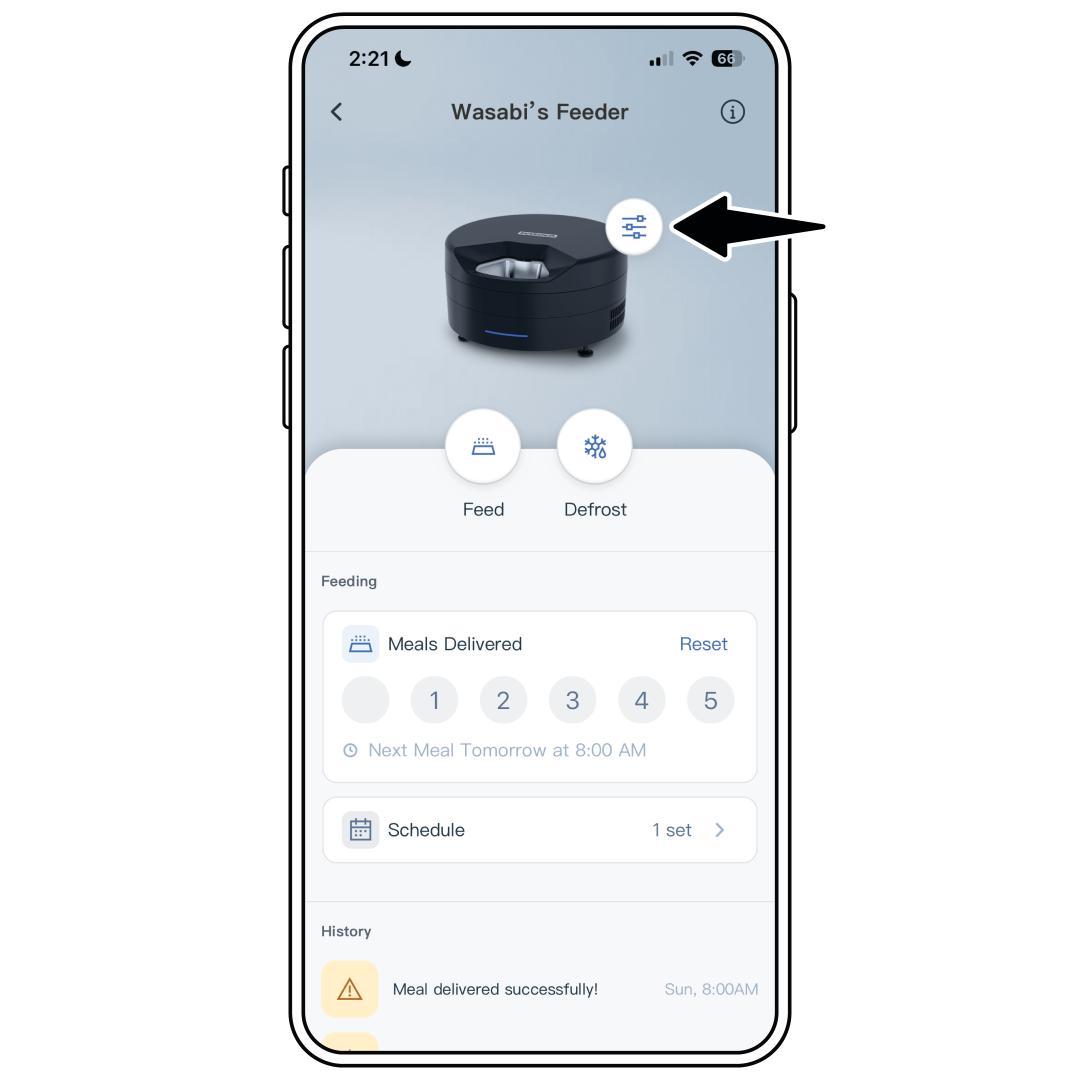
Open the PetSafe® Pet Companion app and select your feeder from the product list.
Select Schedule from the middle of the home screen.
From the list of scheduled meals, check that you do not have any unwanted meals. If there are any, either delete the meal or toggle it off.
For each meal, ensure:
- the AM/PM setting is correct.
- the days you want the feeding schedule to be active are selected.
Make any necessary edits to the schedules. For more information, visit How To Add, Edit or Delete a Feeding Schedule on My PetSafe® FreshFeed Refrigerated Pet Feeder.
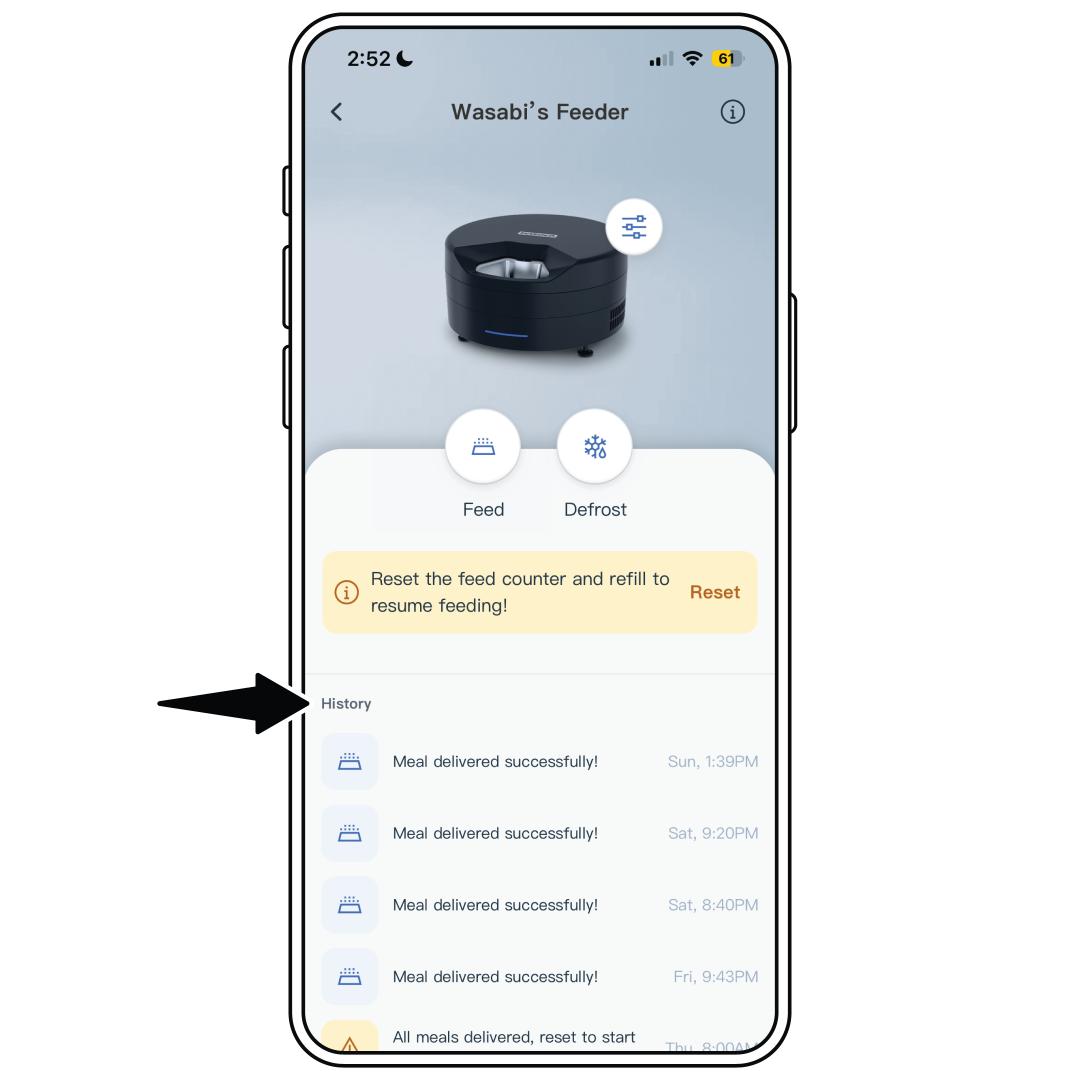
Check the Meal History for extra meals that were dispensed from the app by any shared users. If you need to remove a user, visit How To Share or Stop Sharing My PetSafe® FreshFeed Refrigerated Pet Feeder.